
AI safeguards for customer records should be in place before an AI tool can read or change live information. A useful starting point is to limit what the tool can access, keep a person responsible for consequential decisions, and test the complete workflow before deployment.
That approach makes automation more controlled without requiring you to automate everything at once. Treat the AI integration like a separate user account with its own permissions, review process, and activity record. The goal is not simply to ask the tool to be careful. It is to design a workflow that limits the impact of mistakes.
Set boundaries before granting access
Write down the task the tool is meant to perform and the customer information that task actually requires. If the workflow only needs to summarize a support request, for example, it may not need access to billing details, account credentials, or unrelated customer records.
Use a staged permission model. Begin with test data or a read-only connection where possible. Review the output and confirm that the tool sees only the records and fields needed for the task. If testing supports a move to live data, grant the narrowest permissions that allow the approved workflow to operate.
- Limit the record scope. Restrict access to specific customer groups, queues, or cases instead of granting access across the full database.
- Limit the fields. Exclude sensitive or unnecessary details from the tool’s view and from its prompts.
- Separate reading from writing. A tool that needs to summarize information may not need permission to edit it.
- Restrict the actions. Avoid broad permissions to create, change, export, or delete records when narrower actions will work.
- Use a dedicated integration identity. Keep the AI tool’s credentials separate from employee accounts, and make it possible to disable that access promptly.
Do not give a tool more access simply because it is easier to configure. If the system cannot support the limits your workflow requires, pause and reassess the integration.
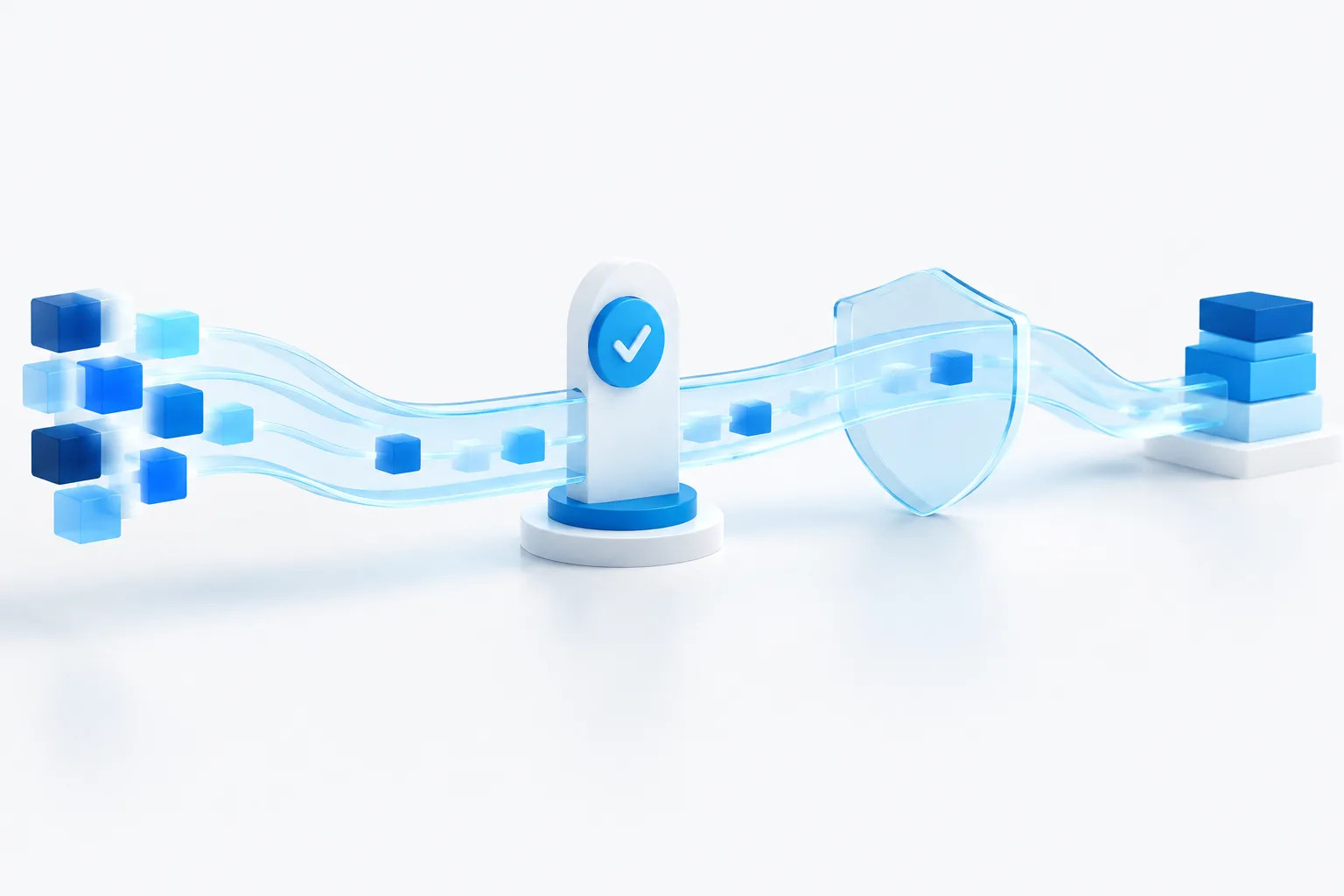
Decide which changes need human approval
Read-only access is a safer place to begin. If the tool later needs to write to records, enable only specific changes that have been tested and approved. Keep a person in the approval path for actions that could affect a customer’s service, money, identity, or relationship with your business.
That could include changing contact details, updating billing information, changing account status, or adding case notes that could guide future decisions. The reviewer should be able to see the proposed change, the relevant context, and enough information to make an informed decision. A quick approval button without a meaningful review is not a strong control.
For lower-impact tasks, a business may choose to allow a narrowly defined update after testing. Even then, provide a way to correct the record and establish clear rules for unusual cases. If the tool is uncertain, receives conflicting information, or encounters a request outside its defined task, it should stop and send the work to a person rather than guess.
Keep unnecessary customer information out
Minimize the information sent to the AI tool, whether it is a connected application or a separate service. Remove fields that are irrelevant to the task, and avoid sharing credentials, payment details, sensitive personal information, or complete records when a limited excerpt will do. Consider whether customer identifiers can be masked or replaced during testing.
For more guidance on information employees should keep out of public AI tools, see what not to enter into public AI tools at work. A connected business tool still needs its own review: access controls and data handling depend on the particular product and configuration.
Review the AI vendor’s data handling
Before connecting customer records, ask the vendor direct questions and get the answers in writing. Understand what happens to the information in ordinary use, during support, and when your organization stops using the service.
- Does the vendor retain prompts, records, or outputs, and for how long?
- Is customer information used to train or improve models? Can that use be turned off?
- Which vendor personnel or subprocessors can access the data, and under what conditions?
- What access controls are available for your organization and the vendor’s own staff?
- How does the vendor notify customers about a security incident involving their information?
- What does the contract say about data ownership, permitted use, retention, deletion, and service termination?
Do not rely on a general statement that a service is secure. Confirm the settings and contract terms for the product and plan your business will actually use. For help assessing technology providers and their responsibilities, see this guide to IT vendor management.
Test the whole workflow before launch
Test in a separate environment or with appropriately prepared test data before connecting the tool to live customer records. The test should cover more than whether the AI produces a useful answer. Check whether it has the right access, follows approval rules, handles uncertainty safely, and leaves a clear record of its actions.
- Try inaccurate or incomplete records. Confirm the tool flags missing or conflicting information instead of filling gaps with guesses.
- Try unauthorized requests. Check that it refuses actions outside its assigned permissions, including requests to access another customer’s information.
- Try unusual inputs. Include confusing, unexpected, or irrelevant content and verify that the tool does not treat it as permission to make a change.
- Check approval gates. Confirm that changes requiring review cannot be written to a live record before an authorized person approves them.
- Practice stopping and recovery. Make sure staff know how to disable the integration, correct a mistaken update, and restore a prior record where the system supports it.
Keep the test results and the person responsible for approving deployment. Repeat testing when the model, connected application, permissions, prompts, or workflow changes. Continue reviewing performance after launch, because a successful initial test does not remove the need for ongoing oversight.
Keep useful logs and a response plan
Keep enough information to reconstruct what happened without collecting more customer data than necessary. Depending on the system, useful logs may include which integration identity acted, which record or field it accessed, what action it proposed or completed, whether a person approved it, and when the event occurred. Record errors, access denials, and changes to permissions as well.
Decide who reviews those logs and how staff should report a problem. If the tool acts unexpectedly, know who can pause access, investigate the affected records, and coordinate a correction. Include the AI workflow in your broader data protection planning. Zevonix describes its data protection services as including proactive management; learn more about protecting business data and planning for recovery.
Use extra care with health or financial information
When a workflow involves health, financial, or similarly sensitive information, limit access and sharing even more carefully. Confirm that the vendor, configuration, contract, and internal process have been reviewed for the requirements that apply to your business. Do not assume a tool is appropriate for sensitive records simply because it is available or because it performs well in a general test.
Florida businesses should review relevant obligations with qualified counsel. The Florida statute on controller duties is one source to discuss as part of that review. This article provides general operational guidance, not legal advice.
Conclusion
Grant AI access in stages, keep consequential changes under human review, test for failure as well as success, and monitor what happens after launch. A clear permission model and a practical stop-and-recover plan help make automation more manageable as your business grows. If you are planning an AI workflow for customer data, contact Zevonix to request a free IT assessment and discuss the safeguards your environment may need.